


I installed it on one computer, and now it shows up on all my PCs. My social media life is better at home and at work (^^)/
Official Browser Extension
Cat Gatekeeper
Use social media too long, and a cat takes over your screen
A cute browser extension that forces a break
Over 300,000 users
Reactions
WHAT'S NEW
August 6, 2026: Ver. 1.2.2 (Chrome)
• Usage time now carries over when you switch tabs or windows, and you can check it for each site in the extension menu.
• Breaks now continue after you reload a page or reopen it in another tab.
• Major sites can now be selected with checkboxes, and YouTube and YouTube Shorts can be configured and tracked separately.
• Added a new cat and a shuffle system that makes the same cat less likely to appear twice in a row.
• You can now end a break by pressing and holding the break screen for three seconds, and cats now appear over fullscreen videos.
• Fixed minor issues and improved overall behavior.
Past updates
June 10, 2026: Ver. 1.1.10 (Chrome & Firefox)
• The target domain for X has been updated from Twitter.com to x.com!
• Settings changes now apply to tabs that are already open!
May 30, 2026: Brave support and default waiting time update
Cat Gatekeeper now works on Brave browser.
The default waiting time has been changed from 30 minutes to 10 minutes.
If your waiting time changed after the update, please set your preferred time once and save it. Future updates will keep that saved time.
May 18, 2026: A new cat has been added!
Note: Cats appear at random.
Note: If you already have the extension installed, it may take several hours to about a day for the new cat to appear depending on the store and browser auto-update timing.
May 12, 2026: Firefox extension released
Cat Gatekeeper is now available on Firefox Add-ons.
May 6, 2026: Browser extension - custom sites added (v1.1.4)
Note: Tracking may reset on sites with frequent page changes or reloads. Cat Gatekeeper works best on social media and video sites where you stay on the same service for a while.
Note: To show the cat on custom sites, you will need to allow the new permission.
Note: If Cat Gatekeeper does not work after an update, please reload the target site once.
May 1, 2026: Official website launched
The official Cat Gatekeeper website is now available.
April 26, 2026: Chrome extension released
The official Chrome extension version of Cat Gatekeeper is now available.
New Cats
New cats
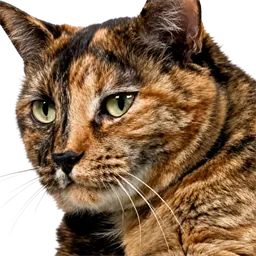
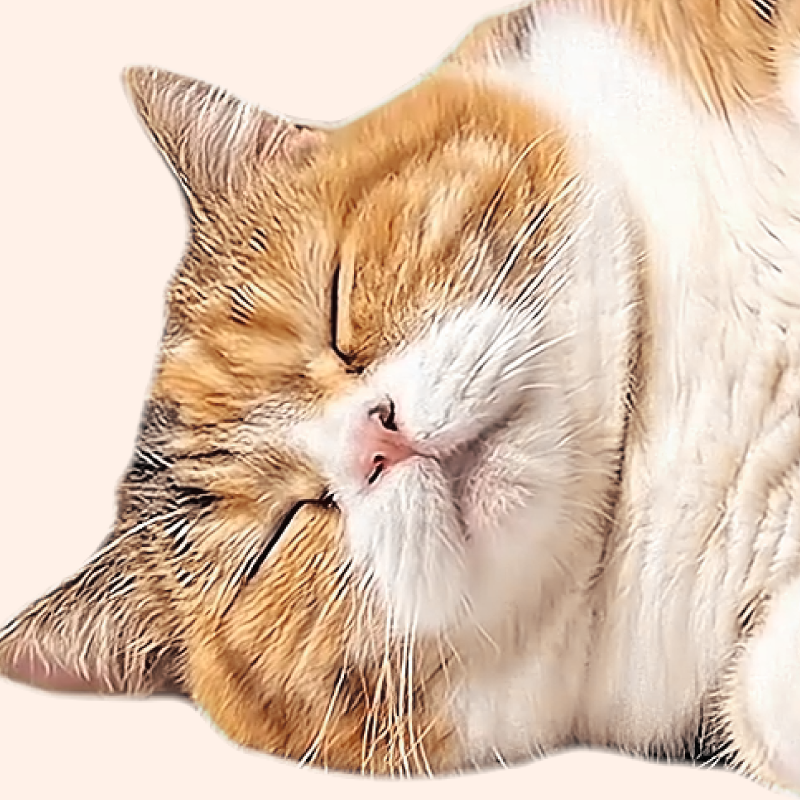
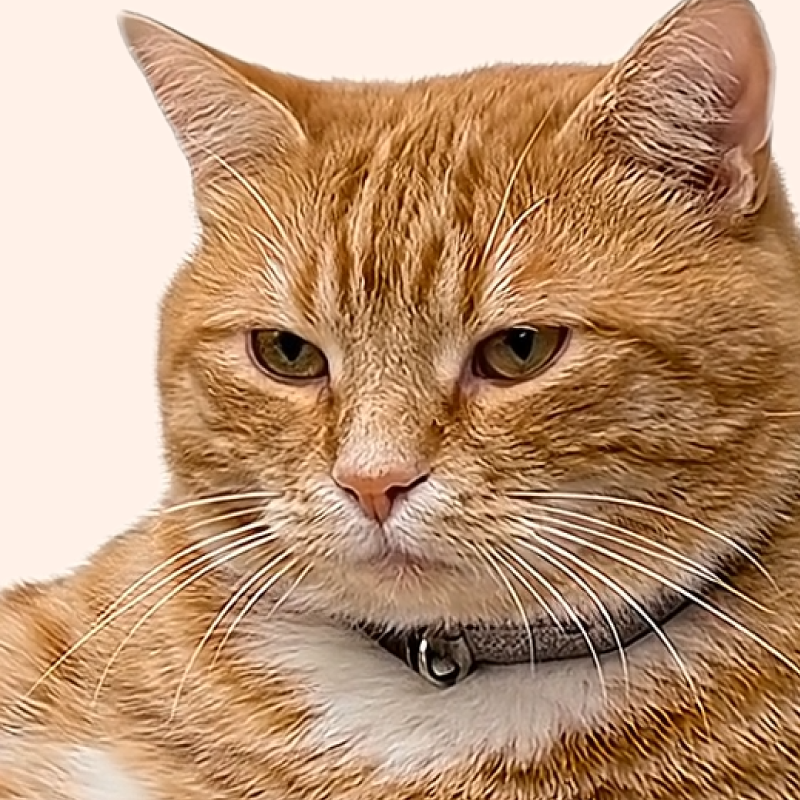
Which one?
HOW TO
Open the menu
Click the puzzle-piece icon
in the browser toolbar and choose Cat Gatekeeper
Set it up
Set the time and target sites
Add sites by entering URLs directly
Major social media sites are included by default
You can remove them anytime
Take a break
When time is up, the cat appears
and stays on your screen until the countdown ends
Press and hold the screen for 3 seconds to dismiss it early
PRIVACY
No ads
No tracking tools are used
No data
No browsing or social media data
is collected
is collected
Browser only
Settings stay on your device
Q&A
Which sites does it work on?
You can choose from major social media and video sites, or add any site by entering its URL.
How is usage time measured?
Time is tracked separately for each site you add and advances only while you are actively viewing it. It pauses while you are on another tab or app, and resumes when you return. It carries over as you navigate within the same site and resets after you have been away for 30 minutes. You can check the tracked time for each site under “Usage” in the extension menu.
Is it free?
Yes. Cat Gatekeeper is free to use.
Why is Cat Gatekeeper free?
Making it paid would take time not only to build, but also to manage and support afterward. I would rather spend that time improving this project and turning even more new ideas into real things, so I decided to offer Cat Gatekeeper for free. Enjoying it? Your support would mean a lot.
Why is site access needed?
Site access is needed to measure usage time on the sites you choose and display the cat break screen. Cat Gatekeeper does not collect your browsing history or page content or send it outside your browser. Your settings and usage time for target sites are stored only in your browser.
Can I change the timer?
Yes. You can change both the time before the cat appears and how long it stays from the extension menu.
The cat does not appear.
Right after the extension updates automatically, the update may not take effect on pages that are already open. Make sure the target site is enabled, then reload the page once. If the issue continues, another extension may be interfering, so try temporarily disabling other extensions and test again.
Where can I open the menu?
Open the extensions (puzzle) icon in the top-right of your browser, then select Cat Gatekeeper.
Can I dismiss the cat?
Yes. Press and hold the break screen for three seconds, or open the extension menu and press the dismiss button.
Which browsers are supported?
Cat Gatekeeper currently supports Chrome, Brave, and Firefox. Other browsers are also under consideration.
Are the cats real?
The cats in the videos are ideal cats created with the help of AI and carefully adjusted one by one to become the ultimate lovable distractions. Please treat them kindly as little gatekeepers for your desk.
Can I use the assets in the extension?
You are very welcome to include screenshots or screen recordings in posts introducing Cat Gatekeeper or sharing your impressions. However, please do not extract, reuse, or redistribute image or video assets included in the extension.
FOLLOW
Updates and behind-the-scenes on X!
Follow @konekone2026